New User Setup
Table of Contents
First Time Setup
ISOXpress has been pre-loaded on your computer. To open it, click the Start menu or press the Windows key and search for
ISOXpressAccess the Xenter vault in Bitwarden and search for the term
IMSXpress
IMSXpress bitwarden First click
Yesthen enter the connection key from bitwarden when prompted into the large text box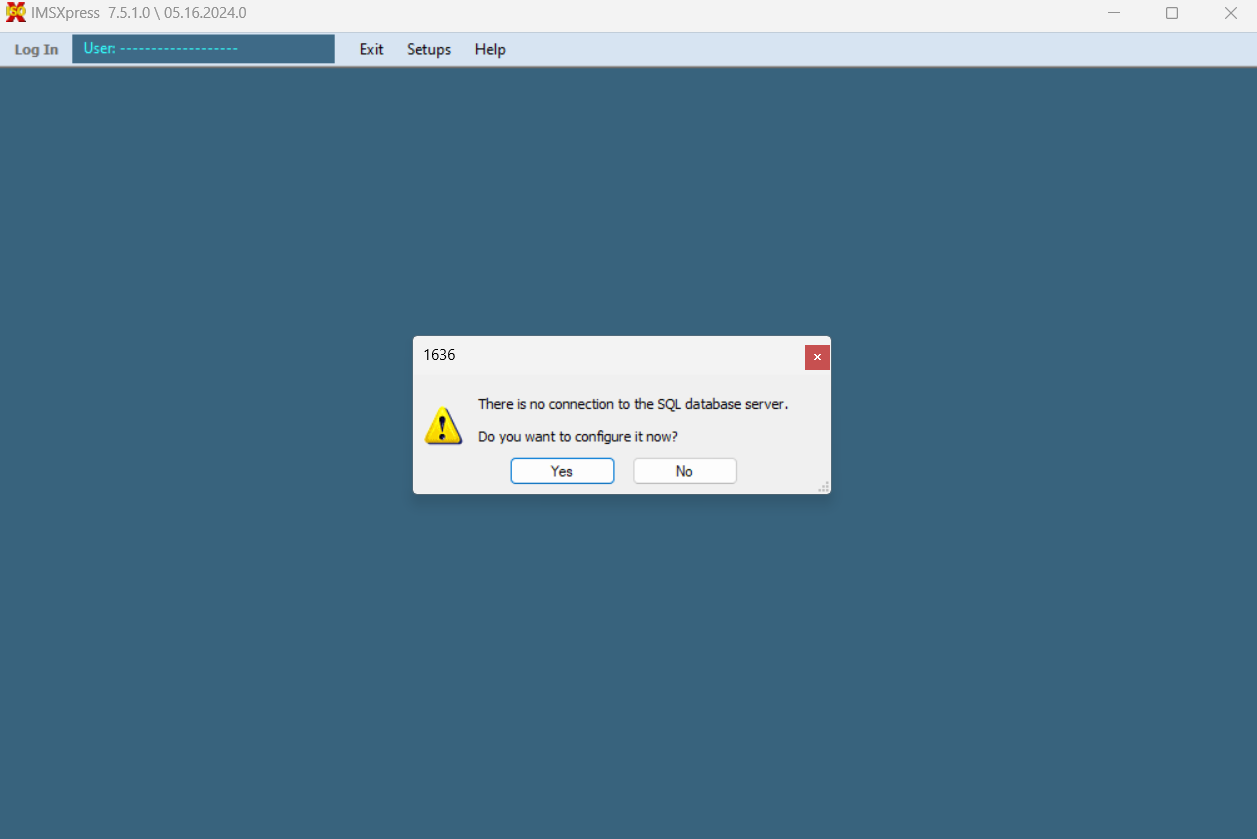
IMSXpress step 2 Click
Okayat the bottom and wait for the green arrowsEnter Login Information, your username will be firstname.lastname, and the default password is
Xenter!This should be the same as the first half of your Xenter email.
Change Default Password
Once logged in, at the top of your screen there is a tab called
Setups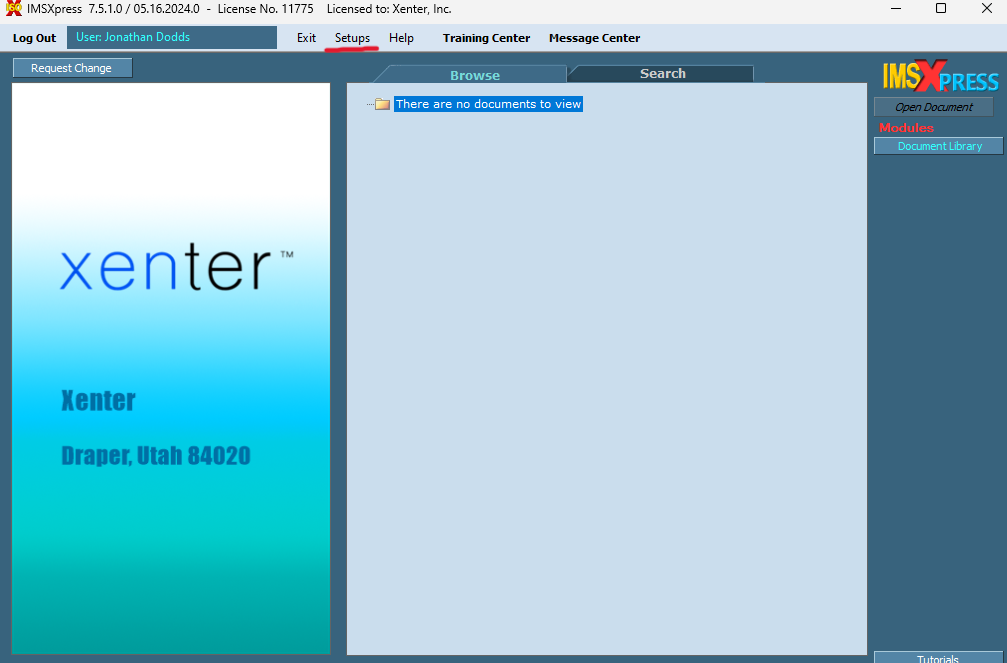
IMSXpress Setups Click on
Setupsand clickChange Login PasswordEnter your old password then put in your new password which you should save to your vault in Bitwarden.
You do not need to worry about changing anything other than the default password.