Setting up Xenter’s VPN
Go to vpn.xenter.io and click
Sign in with Azureto authenticate.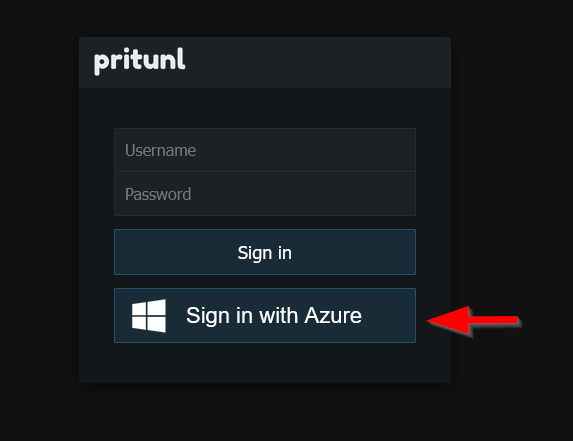
pritunl user login Login using your work Microsoft credentials.
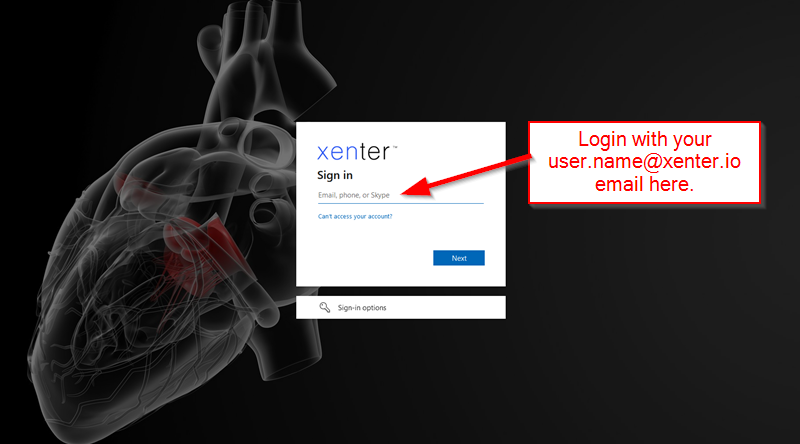
microsoft login Click on
Download Clientand install the Pritunl Client software if you dont already have it. Accept all of the defaults when installing.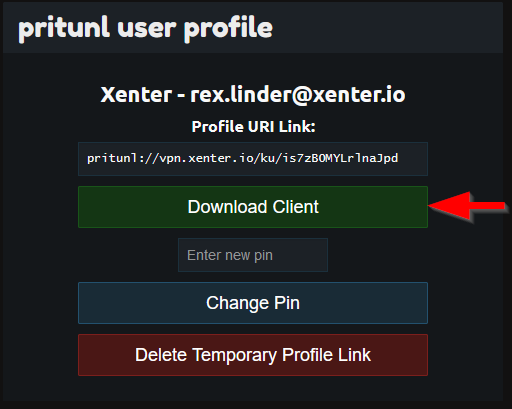
pritunl user profile Once the Pritunl Client software is installed, copy the pritunl URL.
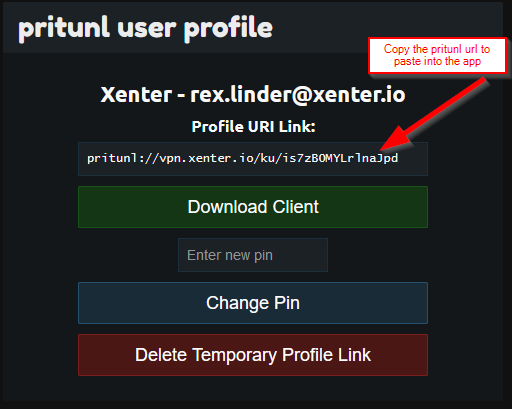
pritunl user profile Click on
Importin the Pritunl app and paste the Pritunl URL in the top text box. Click the green import button to finish.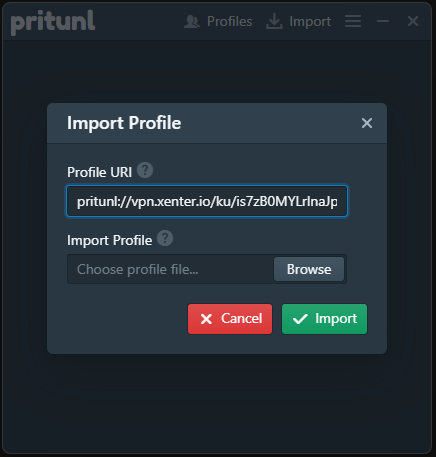
pritunl user profile Click on
Connectto test and ensure you are able to connect to the VPN. When you connect to the VPN, it will launch a web browser window and authenticate you using your work Microsoft credentials.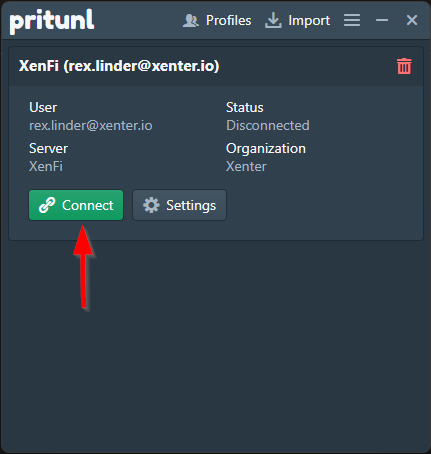
pritunl app connect