PDK App Setup
This guide will cover the user setup for the PDK Mobile app. This app is named PDK Access by ProdataKey
App Setup
Once you installed the
PDK Accessapp, you will then need to request for IT to grant you access to set up PDK on your mobile phone. You must provide them with an email address so they can send the invite link.After IT confirms your account is setup, open the app and enter your email address on the login screen.
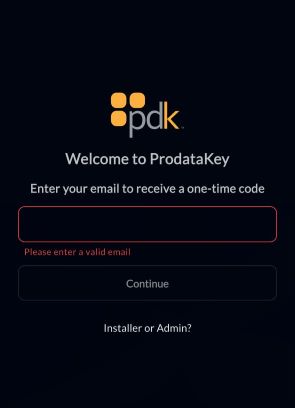
pdk email You will then receive an email containing a one-time code and a link to open directly into the app. Enter the code or click the link.
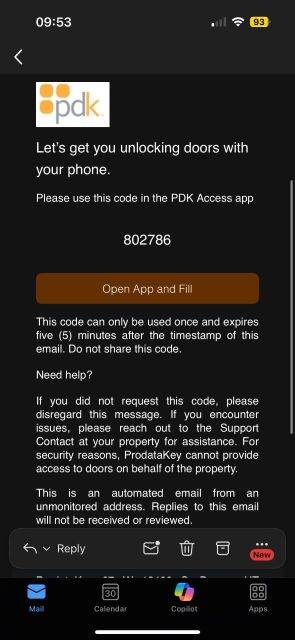
pdk code Next, allow the app to access Bluetooth so it can connect to the doors.
From here, you can simply click to unlock any door in the menu. Be aware that the doors will not make a beep sound—they will just unlock.